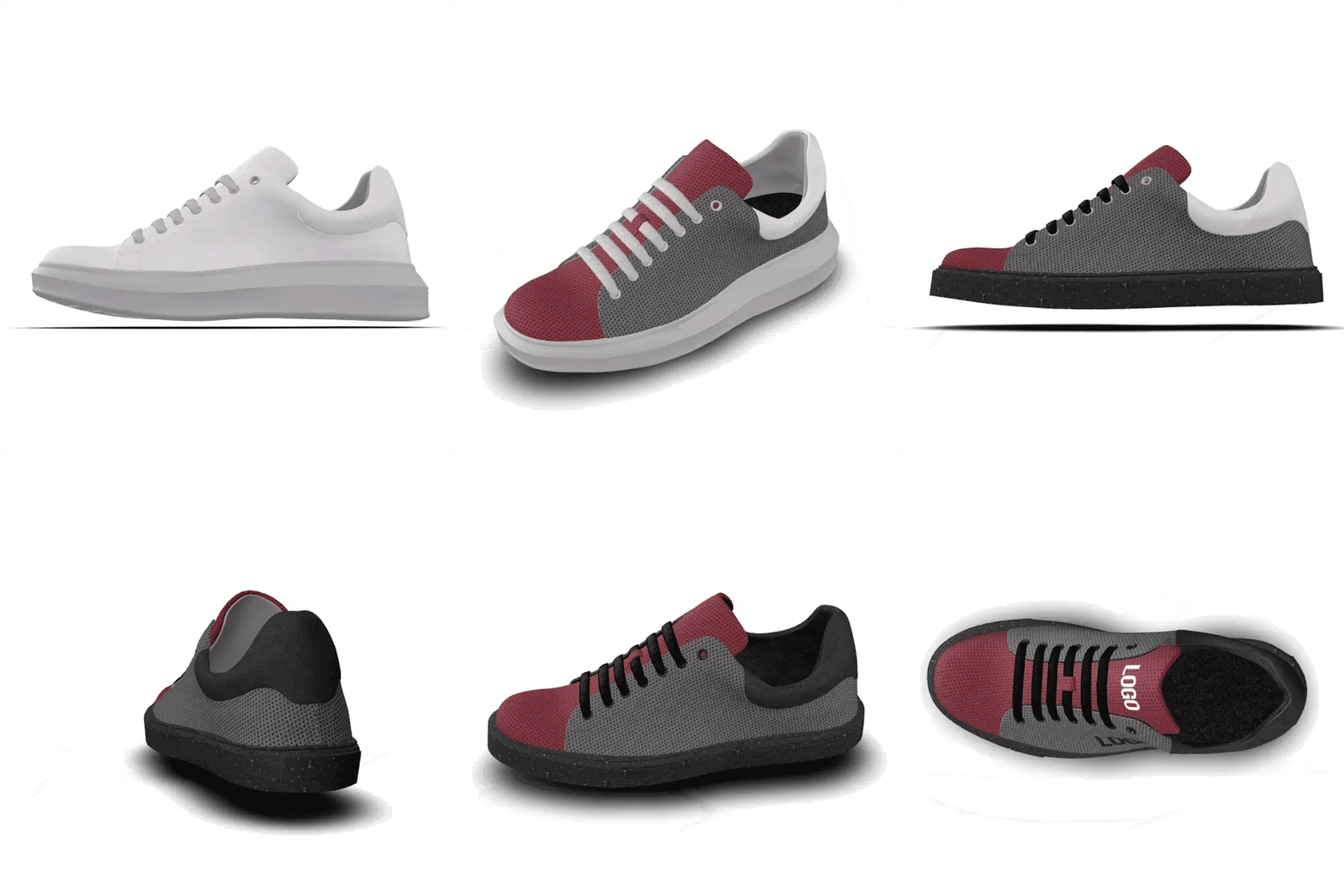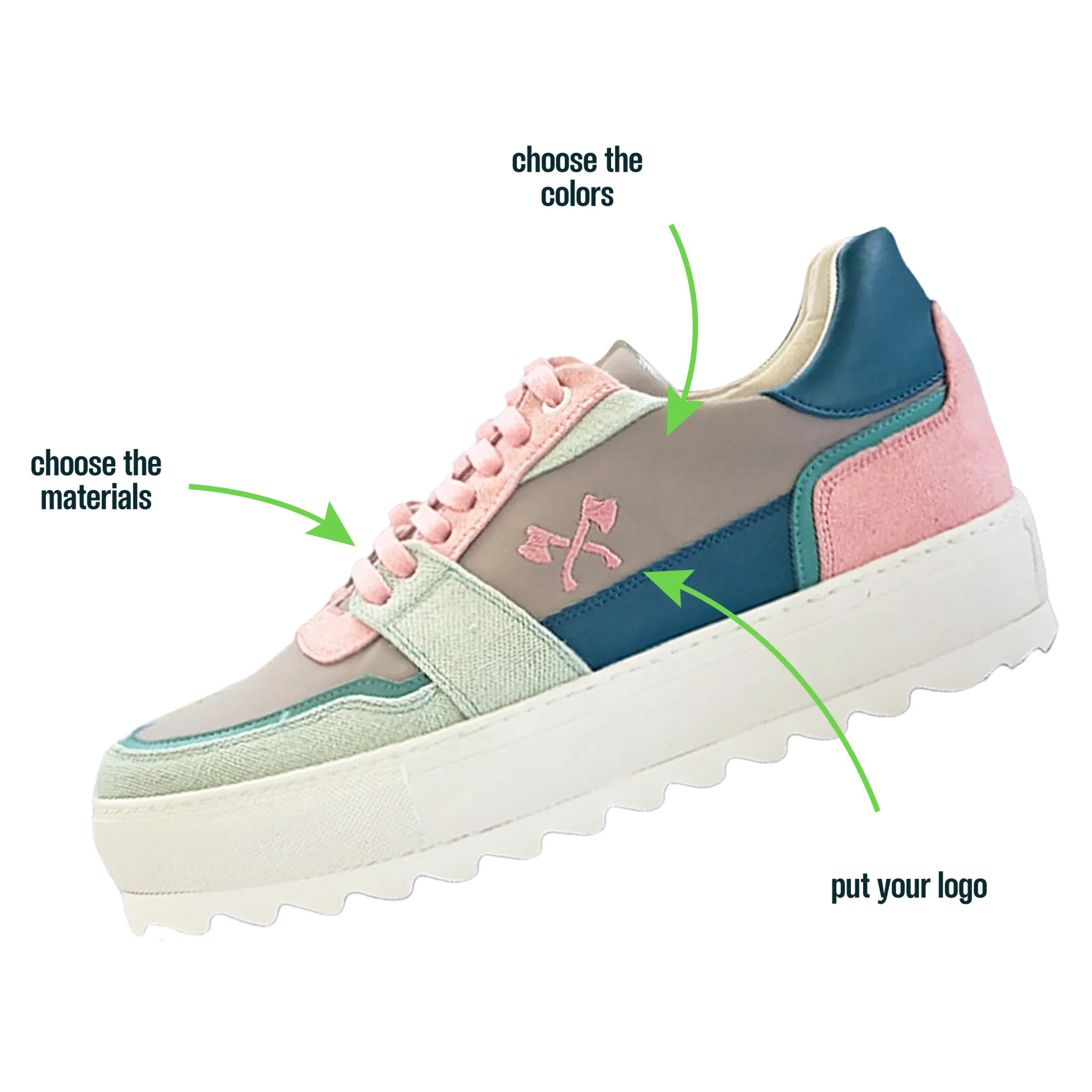
A clear logo file makes it easier to review your footwear design. Before starting, gather the artwork and brand colours you want to use.
Keep the original artwork
Keep a vector original, such as a PDF or SVG, for the Bullfeet team to review. A screenshot of a business card or a logo copied from a document can lose detail. If you only have an image, send the clearest version available and explain what you want to reproduce.
Prepare a preview for the editor
Use the file formats and size limits shown in the upload window. For a logo without a rectangular background, prepare a transparent image when the chosen format supports it. Avoid adding an artificial background to hide a low-quality edge.
Check size, contrast and placement
A logo that works on a large sign may lose small text on a shoe. Review the main mark and secondary wording separately. Try contrast against the selected panel colour and inspect the preview from the side and front.
Send one clear reference
Include the logo version, brand colour references and desired location: side, tongue or another available area. If different groups need different versions, identify each design separately. The team confirms the application and available materials before production.
What to send with your request
- Original logo and a clear preview
- Brand colours and preferred shoe colours
- Chosen model and desired logo placement
- Approximate pairs, destination and preferred date
Estimated delivery: 20 working days from order confirmation and design approval. The schedule is confirmed for your quantity and destination.
Get help choosing